Animated GIF creation
Combine multiple still images in order to create animated GIFs. Set frame duration and looping while preparing the animation.
Convert images on your Android phone without uploading them to a conversion website, adding watermarks, watching ads, or paying a subscription.
Choose one image, several images or an animated GIF. Keep imported originals in your local Image Library, crop or fit for social layouts, edit individual GIF frames or the whole animation, export modern formats or multi-page PDFs, then save or share.
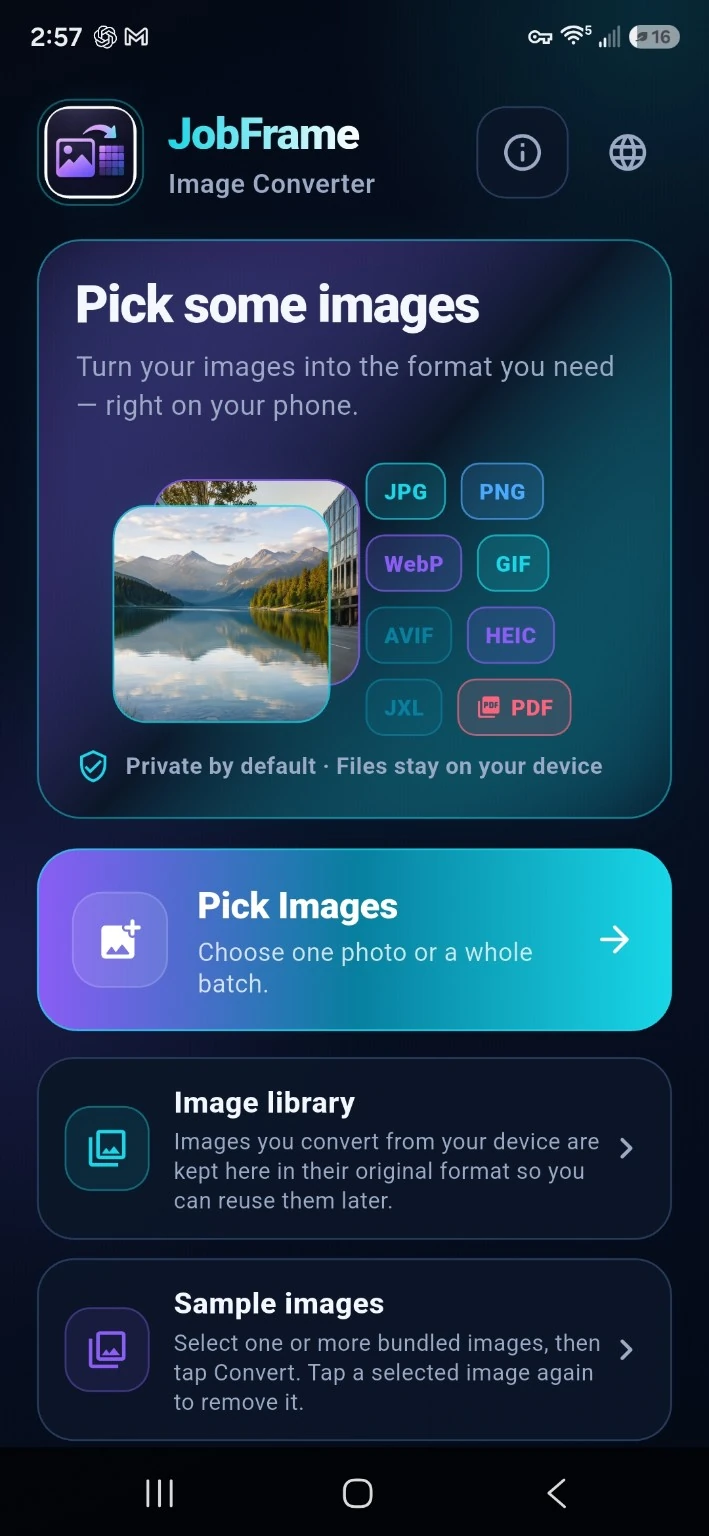
Choose one image or a batch. Converted source images can stay in the local Image Library so you can reuse them without hunting for the original again.
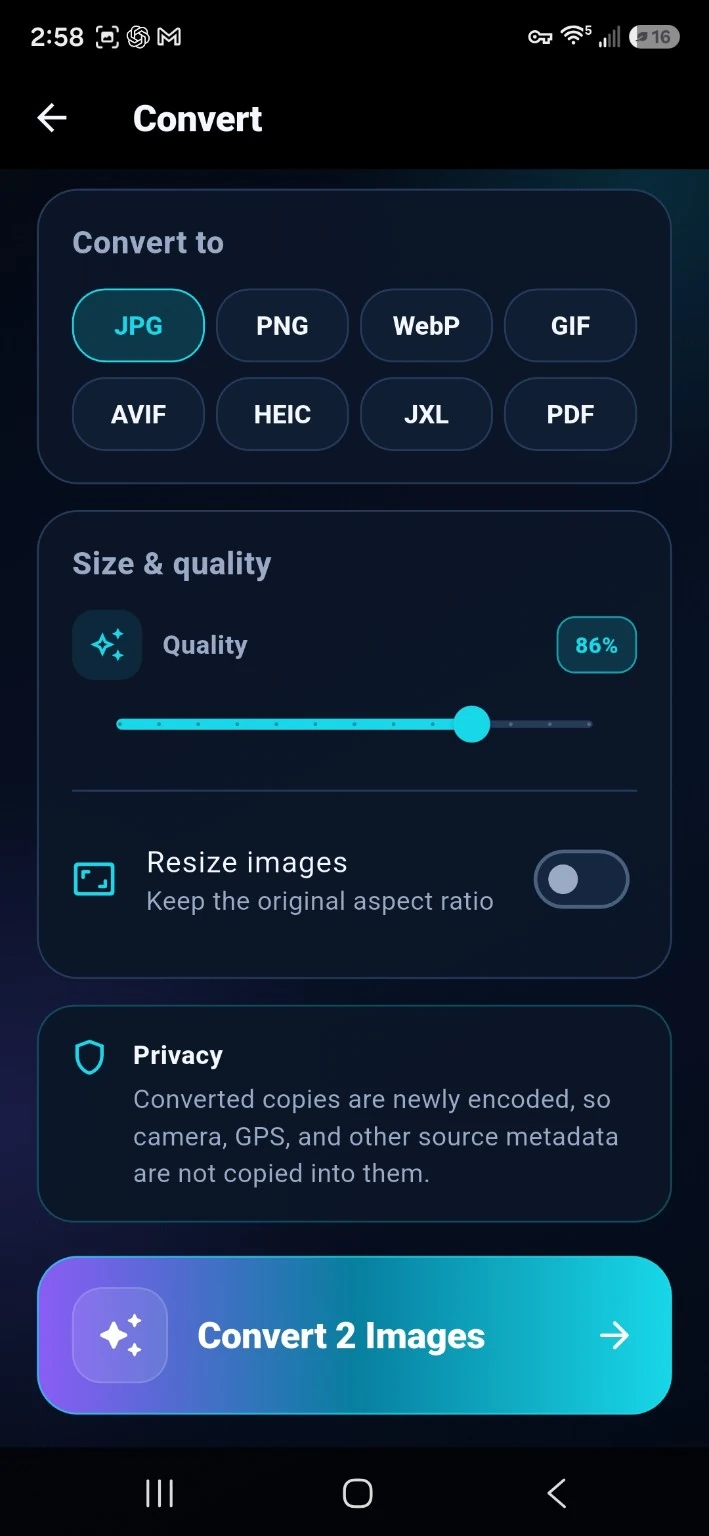
Crop or frame, rotate or flip, adjust brightness, contrast, saturation, and sharpness, then create JPG, PNG, WebP, AVIF, HEIC, JPEG XL, or PDF output.
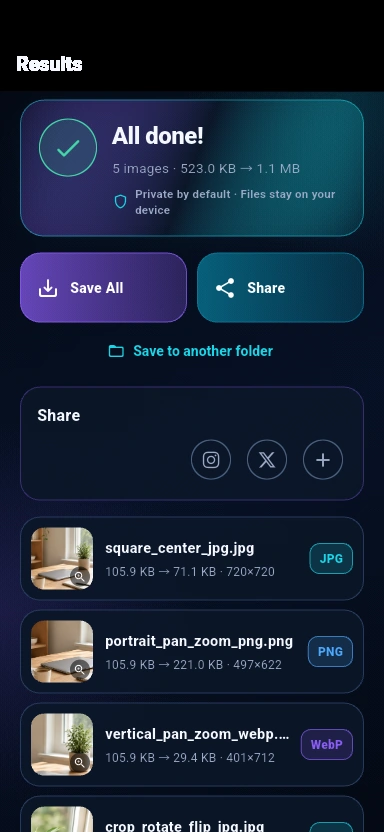
Resize by percentage or pixel limits, cancel active conversions, zoom Results, remember your save folder, and set a custom filename for a single output.
Combine multiple still images in order to create animated GIFs. Set frame duration and looping while preparing the animation.
Edit one frame or apply changes to the entire animation. Resize frames while keeping their proportions and view the refreshed animated preview before saving.
Choose Crop to fill a target shape or Fit to keep the whole picture without stretching. Use social-media ratios and solid, blurred, or format-supported transparent backgrounds.
Turn animated GIF frames into separate PDF pages in playback order, or combine still images into a PDF with page reordering, Auto/Letter/A4 sizes and optional margins.
Try sample images, follow the in-app guided tour, and open step-by-step video tutorials. Choose from 10 app languages, including German and Arabic with right-to-left support.
Open AVIF, JPEG XL, and HEIC/HEIF files, create AVIF or JPEG XL output, and create HEIC output on compatible Android devices alongside JPG, PNG, and WebP.
Crop or frame, rotate or flip, and adjust brightness, contrast, saturation, and sharpness before converting.
Resize by percentage or maximum pixel dimensions, preserve aspect ratio, and adjust quality where the format supports it.
Convert a group with one set of options and drag images into the page order you want for multipage PDFs.
Keep one app-owned canonical copy of reusable source images, with duplicate protection and explicit delete controls.
Cancel a running batch, or change selected images while keeping output, quality, and resize settings.
Remember an authorized save folder and set a custom filename for a single result.
Tap a result preview to zoom, save output, use Android sharing, or pin supported quick-share apps.
Conversion happens locally. Your source images do not need to be uploaded to JobFrame.
Converted copies are newly encoded. Camera, GPS, and other source metadata are not carried into the new file.
$1.99. No ads, no subscription, no watermark, and no artificial free-tier limits.
Convert images to JPG, PNG, WebP, AVIF, JPEG XL, GIF or HEIC on compatible Android devices. Create animated GIFs from still images and PDFs from multiple images or every frame of an animated GIF. Audio, video and general document conversion are outside this focused app.
The main JobFrame app keeps customers, jobs, appointments, estimates, receipts, Audio Notes, backups, and field-work records together.
Get JobFrame on Google Play